Elevate Your Live Production Quality with the Zoetech 4K HDMI Encoder
Zowietek ZowieBox 4K: The Ultimate HDMI Video Encoder and Decoder for Streamers and Creators
If you’re a content creator or live streamer, you know how critical it is to have reliable, high-quality video sources feeding into your production setup. The Zowietek ZowieBox 4K has completely transformed the way I connect HDMI video sources, and I want to share why this compact device is a game-changer for anyone dealing with multiple HDMI inputs. Whether you’re streaming from a DSLR, mirrorless camera, or sharing your laptop screen, this little powerhouse simplifies your workflow while delivering outstanding performance.
📦 Unboxing and First Impressions
The Zowietek ZowieBox 4K arrives in a simple but sturdy brown box, which I appreciate. It’s practical, not flashy. Inside, you get the device itself, a USB-C charging and data cable, a hot shoe adapter with a quarter-twenty thread for mounting on your camera, and a regional power adapter (mine came with a North American plug).
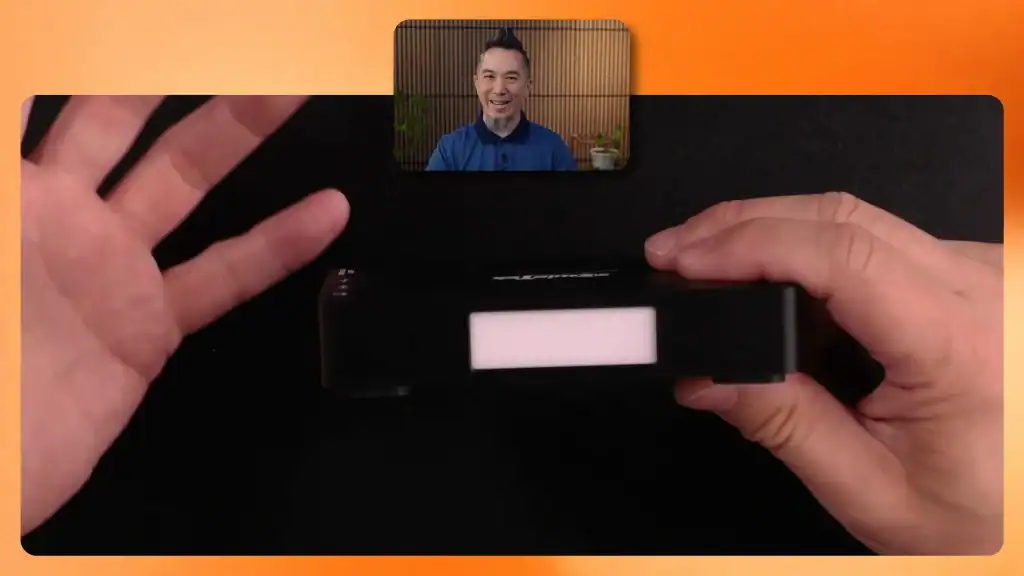
The device is surprisingly compact and well-built. On one side, you’ll find the HDMI input, a 12V DC output, a gigabit LAN port for network connectivity, and a USB-C port. The other side offers a headphone output, microphone input (both 3.5mm jacks), a USB-A port, and an HDMI output that doubles as a zero-latency loop-out.
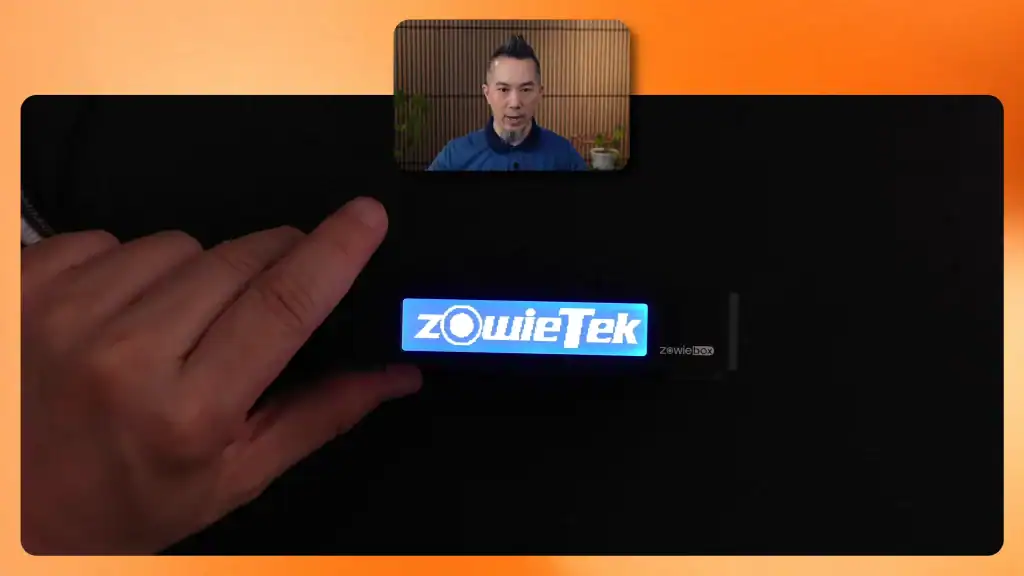
What really caught my attention was the little white tally light on the front. This light activates when the device’s NDI video signal is being used by your broadcasting system, giving on-camera talent a clear indicator of which camera to look at.
🔌 Setting Up the Zowietek ZowieBox 4K
Getting started requires just three cables:
- A USB power connection (the included USB-C cable works, but any 25W or higher power brick will do).
- An Ethernet cable connected to your fastest gigabit network port (Wi-Fi won’t cut it here).
- The HDMI video source cable.
Once connected, the device powers on immediately—the rear LED lights up to indicate power, and the front LCD screen boots up in about 30 seconds. This wait is because the ZowieBox houses a powerful computer inside, capable of handling complex video encoding tasks smoothly and efficiently.
🌐 Navigating the Web Interface and Enabling NDI
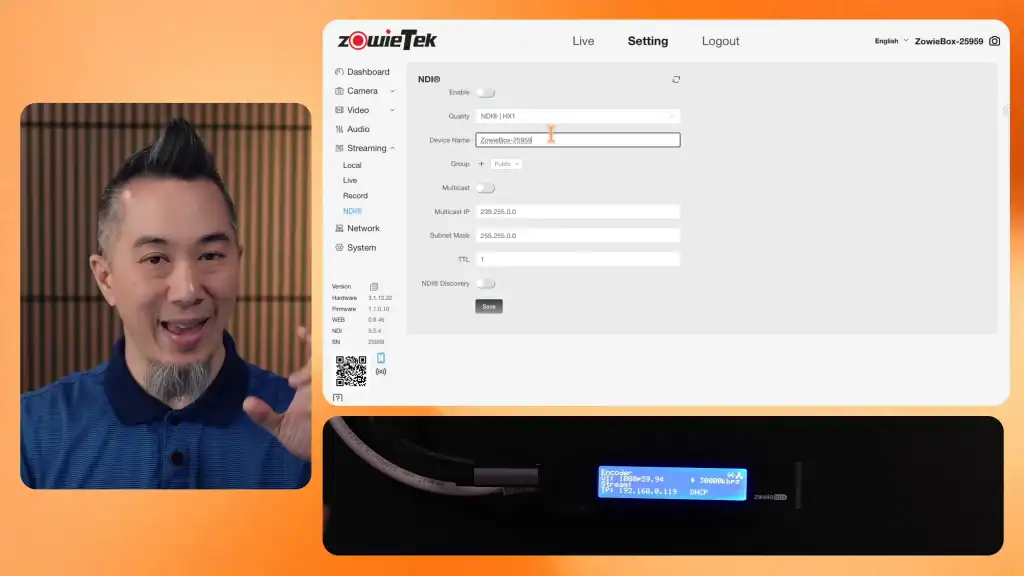
One of the standout features of the Zowietek ZowieBox 4K is its web interface, which you can access by entering the device’s IP address into your browser. The default login is admin/admin, making it easy to get in right away.
Inside, you can rename your device for easy identification on your network. Most importantly, you enable the NDI streaming feature here. NDI (Network Device Interface) is a protocol that sends high-quality video over your network, bypassing the bandwidth and complexity issues of multiple USB capture devices (click here for details on using multiple Elgato Cam Link 4K USB adapters).
After enabling NDI, the device needs a restart, which takes about 15-30 seconds. During this time, you’ll hear the internal fan kick in as the system reboots.
⚡ Performance and Real-World Use with Ecamm Live
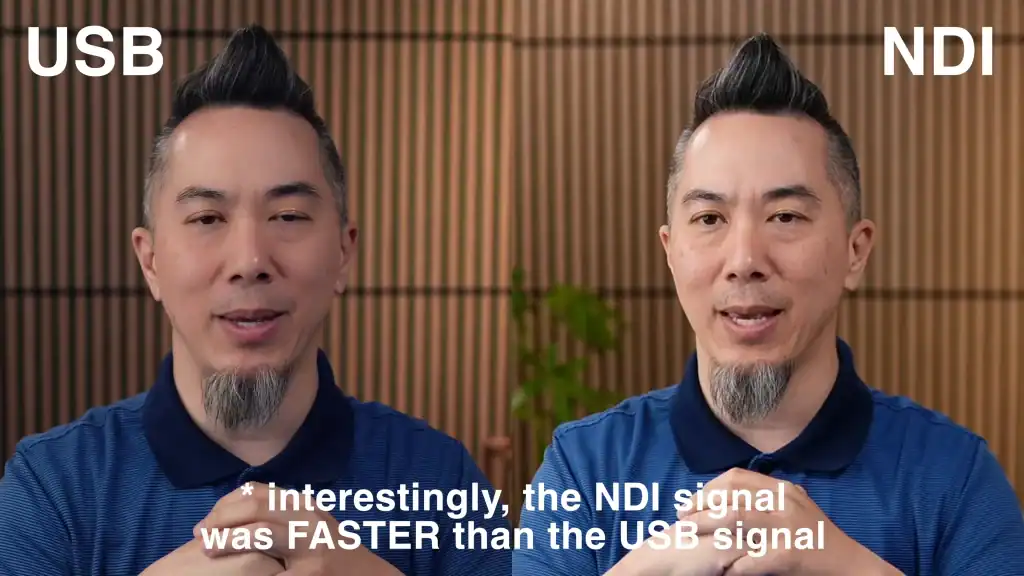
Once the ZowieBox is streaming NDI, it shows up as an available video source in software like Ecamm Live. I tested it side-by-side with my Sony ZV-E10 camera connected through an Elgato Cam Link 4K USB capture device. The results were impressive:
- The NDI signal from the ZowieBox was extremely fast, with virtually no noticeable delay compared to the USB capture feed.
- Video sharpness was excellent, with a slight edge in clarity on the NDI feed, though I plan to tweak the camera settings for optimal color matching.
- The microphone sync was spot on, meaning audio and video remained in perfect harmony.
Overall, using the Zowietek ZowieBox 4K as an NDI encoder significantly reduces the stress on your computer’s USB resources. When working with multiple USB capture devices like the Cam Link 4K, each device demands a high-bandwidth, high-power USB port on a separate USB bus, which can quickly become complicated and unreliable. The ZowieBox eliminates that headache by transmitting your video signals over your network instead.
💡 Why Choose the Zowietek ZowieBox 4K?
If you’re running a multi-camera setup or incorporating multiple HDMI sources into your live streams or recordings, the Zowietek ZowieBox 4K is a smart investment. Here’s why:
- Network-based video transmission: Avoid the USB bandwidth bottleneck by sending video over your gigabit network.
- Zero-latency HDMI loop out: Perfect for gaming consoles or monitoring your feed without lag.
- Built-in tally light: Helps on-camera talent know when they’re live.
- Compact and versatile: Can be mounted on cameras and easily integrated into your workflow.
- Powerful internal encoding: Handles 4K video encoding with ease.
It simplifies complex setups, reduces the load on your main computer, and scales well if you need to add more video sources in the future.
⚖️ Pros and Cons
Pros
- Supports 4K HDMI input and output with loop-through
- Converts HDMI to NDI for network streaming
- Reduces USB port and bandwidth limitations
- Includes headphone and microphone ports
- Easy web interface for configuration
- Hot shoe mount adapter for flexible placement
Cons
- Requires a wired gigabit Ethernet connection (no Wi-Fi support)
- Initial boot time can take up to 30 seconds
- Color calibration may be needed to match other cameras
👤 Who Is This Device For?
The Zowietek ZowieBox 4K is ideal for:
- Live streamers and video producers who need to integrate multiple HDMI sources
- Content creators looking to offload USB capture device bandwidth
- Professionals wanting zero-latency HDMI monitoring alongside network streaming
- Anyone using Ecamm Live or similar software that supports NDI inputs
If your setup involves juggling multiple USB capture cards and you’re running into resource or bandwidth issues, this device will make your life much easier.
💬 Frequently Asked Questions (FAQ)
Q: Can the Zowietek ZowieBox 4K work over Wi-Fi?
A: No, it requires a wired gigabit Ethernet connection for stable and high-quality NDI streaming.
Q: What cameras or HDMI sources are compatible?
A: Any device with an HDMI output, including mirrorless cameras, DSLRs, laptops, and gaming consoles, can be used with the ZowieBox.
Q: Does it support 4K resolution?
A: Yes, it supports up to 4K HDMI input and output.
Q: How does it compare to USB capture devices like the Elgato Cam Link 4K?
A: The ZowieBox reduces the need for multiple USB ports and bandwidth by sending video over the network, offering similar latency and often better video sharpness.
Q: Can I power the ZowieBox with any USB-C charger?
A: Yes, as long as the charger provides 25 watts or more, you can use your own USB-C power brick.
🔚 Final Thoughts
The Zowietek ZowieBox 4K is a small but mighty device that has dramatically streamlined my video production workflow. It solves the common headaches associated with multiple USB HDMI capture devices by leveraging network-based NDI streaming. Whether you’re a beginner or a seasoned pro, this tool makes multi-camera setups more manageable, reliable, and scalable.
If you’re serious about upgrading your streaming or recording setup, I highly recommend checking out the Zowietek ZowieBox 4K. It’s an investment in quality, efficiency, and peace of mind.