My Recommended Mac Configurations for Ecamm Live
Which Mac Should You Get to Run Ecamm Live?
Choosing the right Mac for your Ecamm Live setup is crucial to ensure smooth and high-quality live streaming. Below are my Ecamm Live recommended Mac configurations, tailored to different levels of usage: base, mid-level, and top-level. Each configuration includes recommendations on the Mac model, processor, memory, storage, and other essential accessories.
And remember… selecting the right Mac configuration for your Ecamm Live setup depends on your specific needs and, just as importantly, you budget. The base configuration is perfect for beginners, the mid-level suits regular content creators and streamers, and the top-level Mac configurations are designed for professionals who demand the best performance and quality, whether it’s for creating content for yourself or remote production for clients.
The recommended configurations below are as of May 31, 2025.
If you have any questions, please fill out the form below and send me a message!
My Ecamm Live Recommended Mac Computers
Top-Level Ecamm Live Recommended Mac (for a Studio)
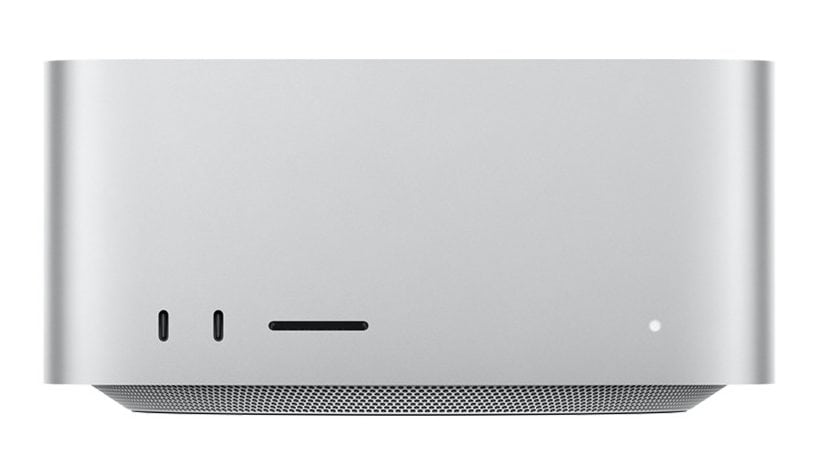
Mac Studio M4 Max
Ideal for:
- Professionals
- Ultra high-quality self or remote production
- Heavy multitasking and running multiple demanding applications
Specifications:
- Processor: Apple M4 Max chip with 16-core CPU
- Memory: 128GB unified memory (64GB Minimum)
- Storage: 1TB SSD (also get an external TB SSD)
- Graphics: 40-core GPU
Other Required Gear:
- Display(s): You will need at least one display monitor, but I highly recommend two for ease of production, and three if you’re a power user.
- Keyboard, mouse, and other equipment: Check out my Recommended Gear List here!
Why This Configuration?
- The Mac Studio M4 Max is a powerhouse, designed for the most demanding users. It can handle extreme and extensive multitasking, high-resolution streams, and advanced production work. The high-end accessories included ensure top-notch video and audio quality, giving your live streams a highly professional edge.
- Some may ask, “Daniel, why not the Mac Studio M3 Ultra?” My answer is because the price/value ratio isn’t that great. The Studio M3 Ultra is twice the price of the M4 Max, but you’re not getting twice the power or performance.
- Highly recommended for remote producers looking for a machine that will last at least 2 to 3 years, running very high-level productions, with many guests coming in through Ecamm for Zoom (up to 10 remote guests) or Ecamm Interview Mode (up to 10 remote guests).
Why NOT This Configuration?
- If you need something that you can easily take on the road, yes, you can put the Studio in your backpack, but you’ll have to lug around your display monitors, keyboards, etc, with you everywhere you go.
Top-Level Portable Ecamm Live Recommended Mac
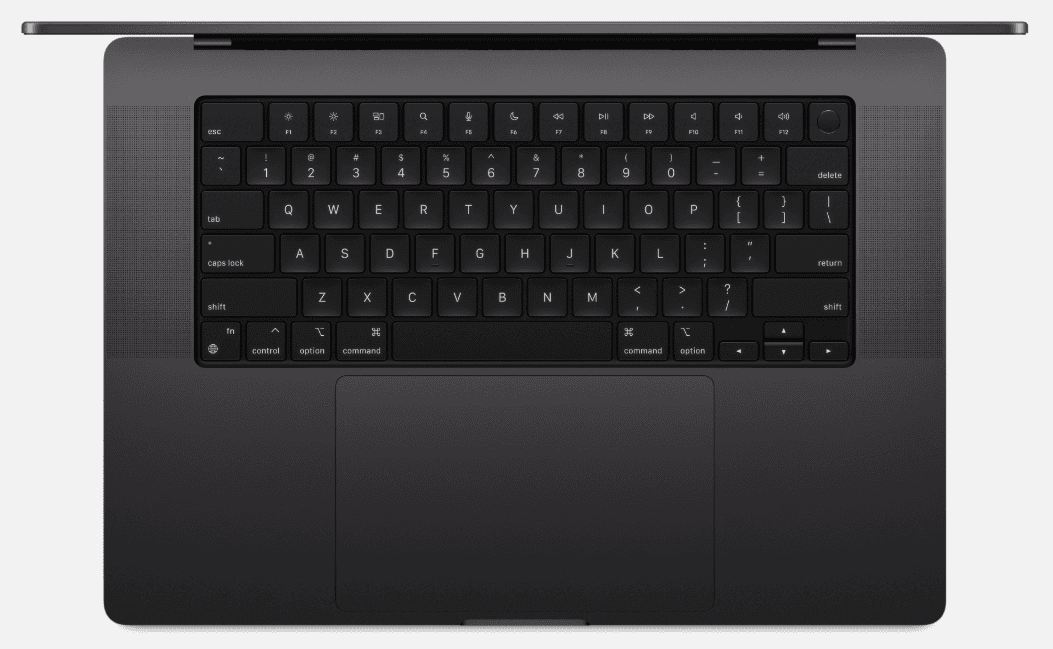
16" MacBook Pro M4 Max
Ideal for:
- Professionals who require a powerful computer that can be taken on-the-go anywhere
- High-quality self or remote production
- Heavy multitasking and running multiple demanding applications
Specifications:
- Processor: Apple M4 Max chip with 16-core CPU
- Memory: 64GB unified memory (128GB is better)
- Storage: 1TB SSD (also get an external TB SSD)
- Graphics: 40-core GPU
Other Required Gear:
- Display(s): You will want at least one external display monitor for your self or remote productions. If you’re on-the-go, bring a portable display monitor that can be easily packed in your laptop bag.
- Keyboard, mouse, and other equipment: Check out my Recommended Gear List here!
Why This Configuration?
The 16″ MacBook Pro Max is currently the most powerful portable computer available, and is designed for the most demanding users who are on-the-go. It can handle extensive multitasking, high-resolution streams, and advanced production work easily and efficiently, even while running multiple apps at the same time to run your professional recorded and live stream productions.
Why NOT This Configuration?
- While you can also keep your MacBook Pro in your studio full-time and never take it to a remote location, I don’t recommend that because of the following reasons:You might as well just get the Studio which will cost less (even with two external displays).
- Keeping your MacBook connected to a power source will deteriorate your battery’s life span, reducing how long it works while not connected to a power source, thus reducing the resale value at a faster rate.
- The MacBook Pro has great cooling performance, but it gets hot when its pushed hard, so only get a MacBook Pro if you know you’ll need portability at some point.
Mid-Level Ecamm Live Recommended Mac (for a Studio)
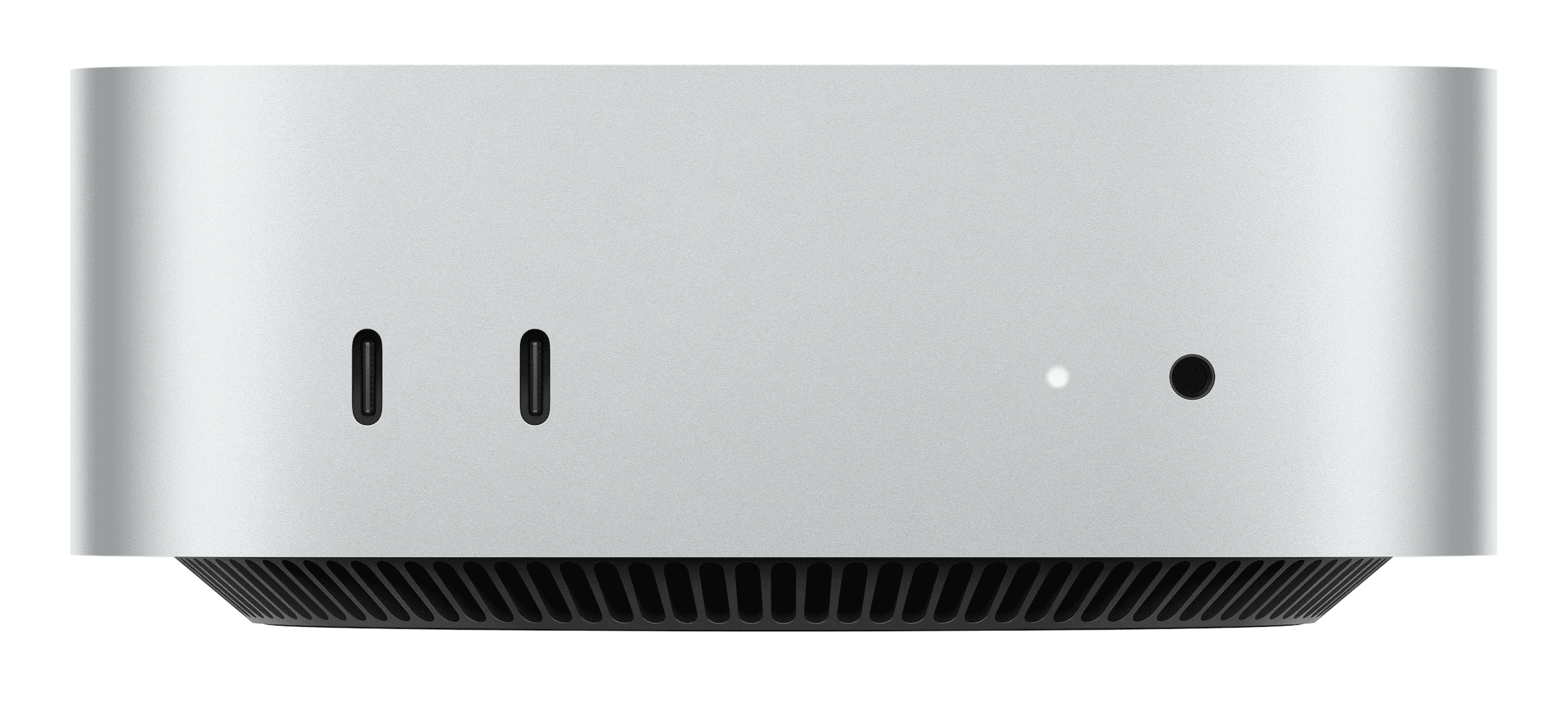
Mac Mini M4 Pro
Ideal for:
- Professionals with a mid-range budget (<$3000)
- High-quality self or remote production
- Moderate to heavy multitasking and running multiple demanding applications
Specifications:
- Processor: Apple M4 Pro chip with 14-core CPU
- Memory: 64GB unified memory
- Storage: 512GB SSD (minimum)
- Graphics: 20-core GPU
Other Required Gear:
- Display(s): You will need at least one display monitor, but I highly recommend two for ease of production, and three if you’re a power user.
- Keyboard, mouse, and other equipment: Check out my Recommended Gear List here!
Why This Configuration?
The Mac Mini is a staple amongst many content creators’ studios and can be easily packed in a backpack and transported to remote locations, albeit with portable displays and all the other required gear. The Mac Mini M4 Pro with the upgrade to 14-core CPU and 20-core GPU should last most creators at least 2 years, maybe even up to 4 years depending on the specific technical requirements and demands of the creator.
Why NOT This Configuration?
- If you want something bigger and better, pick up the Mac Studio M4 Max. It will offer you more performance and last a bit longer.
Mid-Level Portable Ecamm Live Recommended Mac
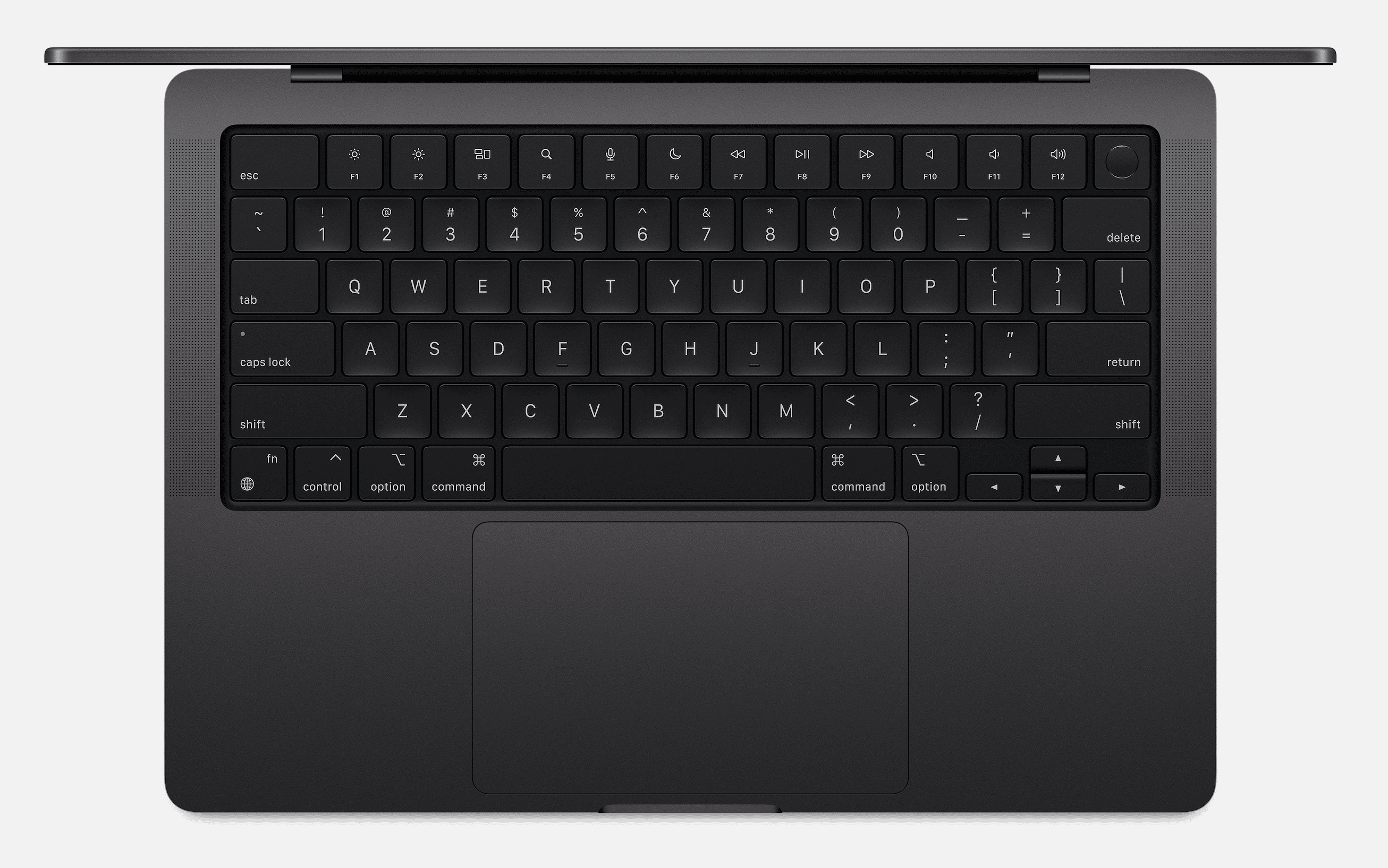
14" MacBook Pro M4 Pro
Ideal for:
- Professionals who require a powerful computer that can be taken on-the-go anywhere
- High-quality self or remote production
- Moderate multitasking and running multiple demanding applications
Specifications:
- Processor: Apple M4 Pro chip with 14-core CPU
- Memory: 48GB unified memory (more is better)
- Storage: 1TB SSD (minimum)
- Graphics: 20-core GPU
Other Required Gear:
- Display(s): You will want at least one external display monitor for your self or remote productions. If you’re on-the-go, bring a portable display monitor that can be easily packed in your laptop bag.
- Keyboard, mouse, and other equipment: Check out my Recommended Gear List here!
Why This Configuration?
The 14″ MacBook Pro M4 Pro is a highly capable portable Mac that can easily run Ecamm Live and perform the majority, if not all, of the tasks that many high-level content creators and remote producers require. This mid-level MacBook Pro can multitask and run several demanding applications at the same time, and also multi-stream to several destinations without breaking a sweat.
Why NOT This Configuration?
- While you can also keep your MacBook Pro in your studio full-time and never take it to a remote location, I don’t recommend that because of the following reasons:You might as well just get the Studio which will cost less (even with two external displays).
- Keeping your MacBook connected to a power source will deteriorate your battery’s life span, reducing how long it works while not connected to a power source, thus reducing the resale value at a faster rate.
- The MacBook Pro has great cooling performance, but it gets hot when it’s pushed hard, so only get a MacBook Pro if you know you’ll need portability at some point.
Entry-Level Ecamm Live Recommended Mac (for a Studio)
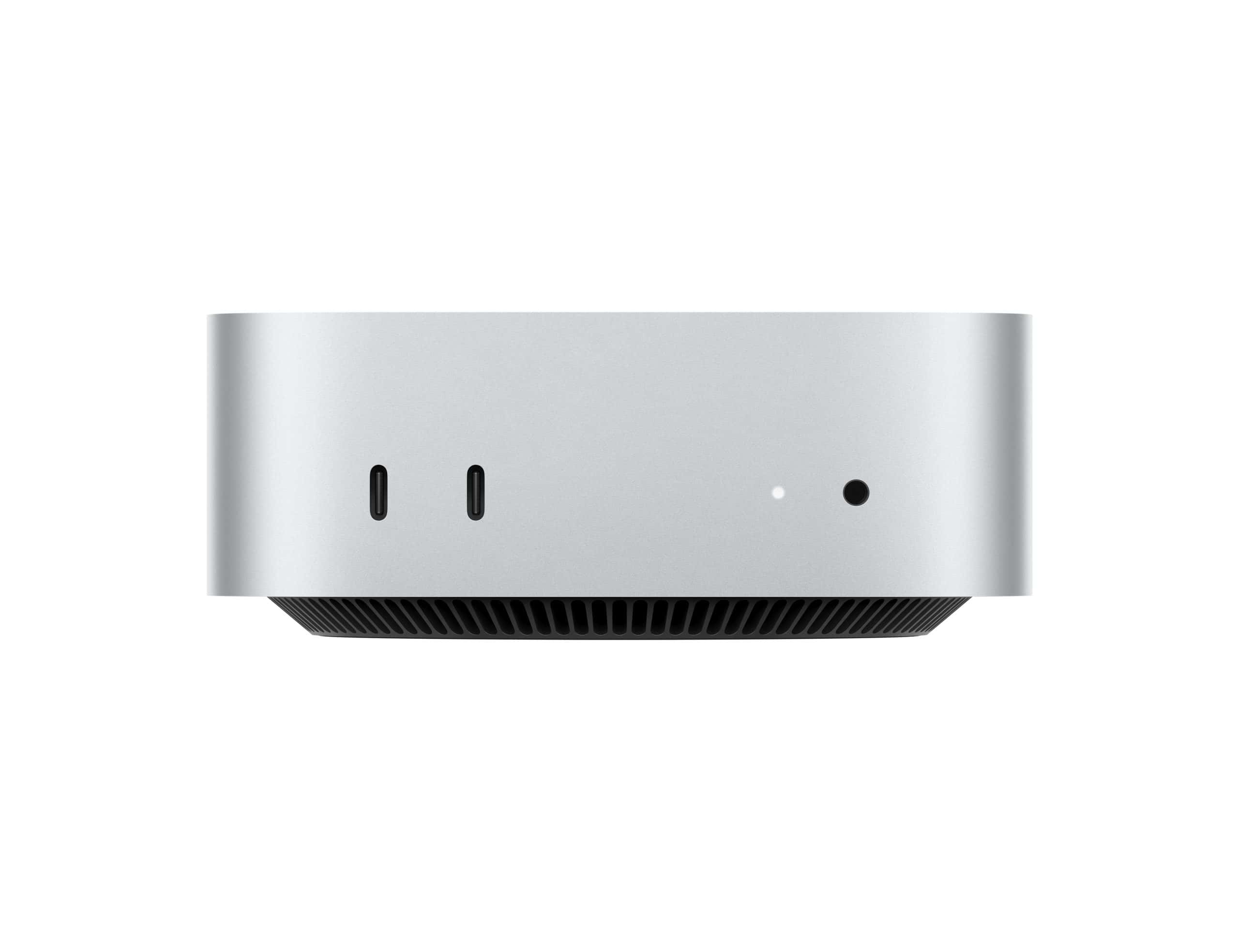
Mac Mini M4
Ideal for:
- New Creators with a low budget
- High-quality self or remote production
- Mild to moderate multitasking and running a couple applications simultaneously
Specifications:
- Processor: Apple M4 chip with 10-core CPU
- Memory: 16GB unified memory (32GB+ is better)
- Storage: 512GB SSD (do NOT get the 256GB model)
- Graphics: 10-core GPU
Other Required Gear:
- Display(s): You will need at least one display monitor, but I highly recommend two for ease of production.
- Keyboard, mouse, and other equipment: Check out my Recommended Gear List here!
Why This Configuration?
The Mac Mini is a staple amongst many content creators’ studios and can be easily packed in a backpack and transported to remote locations, albeit with portable displays and all the other required gear. The Mac Mini M4 base model should last most Creators who are on a tight budget at least 2 to 3 years depending on the specific technical requirements and demands of the Creator.
Why NOT This Configuration?
- As with all computers, entry level Mac configurations will become outdated sooner rather than later. If this entry level Mac Mini is the only configuration that you can fit within your budget, you may find yourself limited in the number of destinations you are outputting your live stream to using Ecamm Live, and the more applications you are running at the same time may be pushing your Mac Mini too hard, causing it to stutter or cause lag or delay with your audio and video.
Entry-Level Portable Ecamm Live Recommended Mac
MacBook Pro M4
Ideal for:
- Creators who require a powerful computer that can be taken on-the-go anywhere while keeping within a lower budget
- High-quality self or remote production
- Mild to moderate multitasking and running multiple applications
Specifications:
- Processor: Apple M4 chip with 10-core CPU
- Memory: 24GB unified memory (128GB is better)
- Storage: 1TB SSD (minimum)
- Graphics: 10-core GPU
Other Required Gear:
- Display(s): You will want at least one external display monitor for your self or remote productions. If you’re on-the-go, bring a portable display monitor that can be easily packed in your laptop bag.
- Keyboard, mouse, and other equipment: Check out my Recommended Gear List here!
Why This Configuration?
The 14″ MacBook Pro M4 a great portable Ecamm Live Mac that I recommend for Creators who need to create content on the go, or for remote producers to use on site. While it is mostly an entry level MacBook Pro (with slight upgrades from the most bottom-of-the-barrel configuration), it can still perform the majority of functions in Ecamm Live, and I still recommend it to a lot of Content Creators who are on a relatively tight budget.
Why NOT This Configuration?
- As with all computers, entry level Mac configurations will become outdated sooner rather than later. If this entry level MacBook Pro is the only configuration that you can fit within your budget, you may find yourself limited in the number of destinations you are outputting your live stream to using Ecamm Live, and the more applications you are running at the same time may be pushing your Mac Mini too hard, causing it to stutter or cause lag or delay with your audio and video.
- While you can also keep your MacBook Pro in your studio full-time and never take it to a remote location, I don’t recommend that because of the following reasons:You might as well just get the Studio which will cost less (even with two external displays).
- Keeping your MacBook connected to a power source will deteriorate your battery’s life span, reducing how long it works while not connected to a power source, thus reducing the resale value at a faster rate.
- The MacBook Pro has great cooling performance, but it gets hot when it’s pushed hard, so only get a MacBook Pro if you know you’ll need portability at some point.