Is the Insta360 Link 2 REALLY Better Than MacBook Pro Camera?
Optimizing Your Remote Guest Kit for Top-Notch Video and Audio Quality
Creating a professional setup for remote guests has become essential in today’s digital world. Whether you’re hosting a podcast, conducting interviews, or teaching online classes, the right equipment can make all the difference. In this post, we will explore the components of a remote guest kit, focusing on the differences between using a MacBook Pro camera and microphone versus an upgraded setup featuring the Insta360 Link 2 camera and a lavalier microphone.
The MacBook Pro Setup
Let’s start by evaluating the built-in capabilities of the MacBook Pro, specifically the M2 Max model. The internal webcam is decent, performing better than most standard laptop cameras. However, it does have its limitations.
The built-in microphone is also satisfactory for casual use, but as a remote guest, it may not deliver the best audio quality. It tends to pick up a lot of ambient noise, which can distract from the main speaker’s voice.
Switching to the Lavalier Microphone
To enhance audio quality, switching to a lavalier microphone can yield significant improvements. This small device captures sound more directly from the speaker, resulting in a richer and deeper audio experience.
The difference in sound quality is striking. While the MacBook Pro microphone captures more room noise, the lavalier mic isolates the speaker’s voice, providing clarity and depth. This makes it an ideal choice for remote guests who want to sound their best.
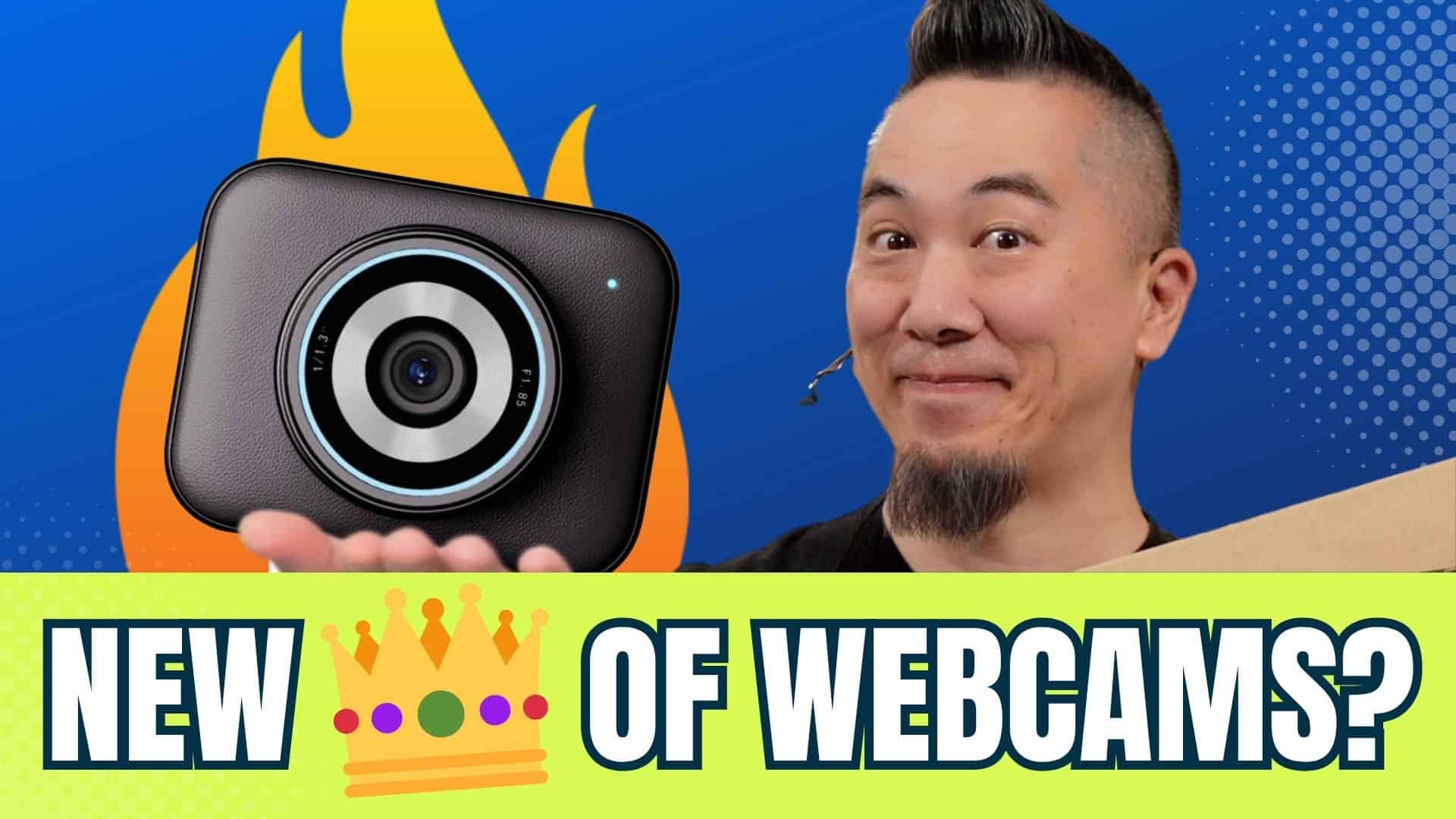
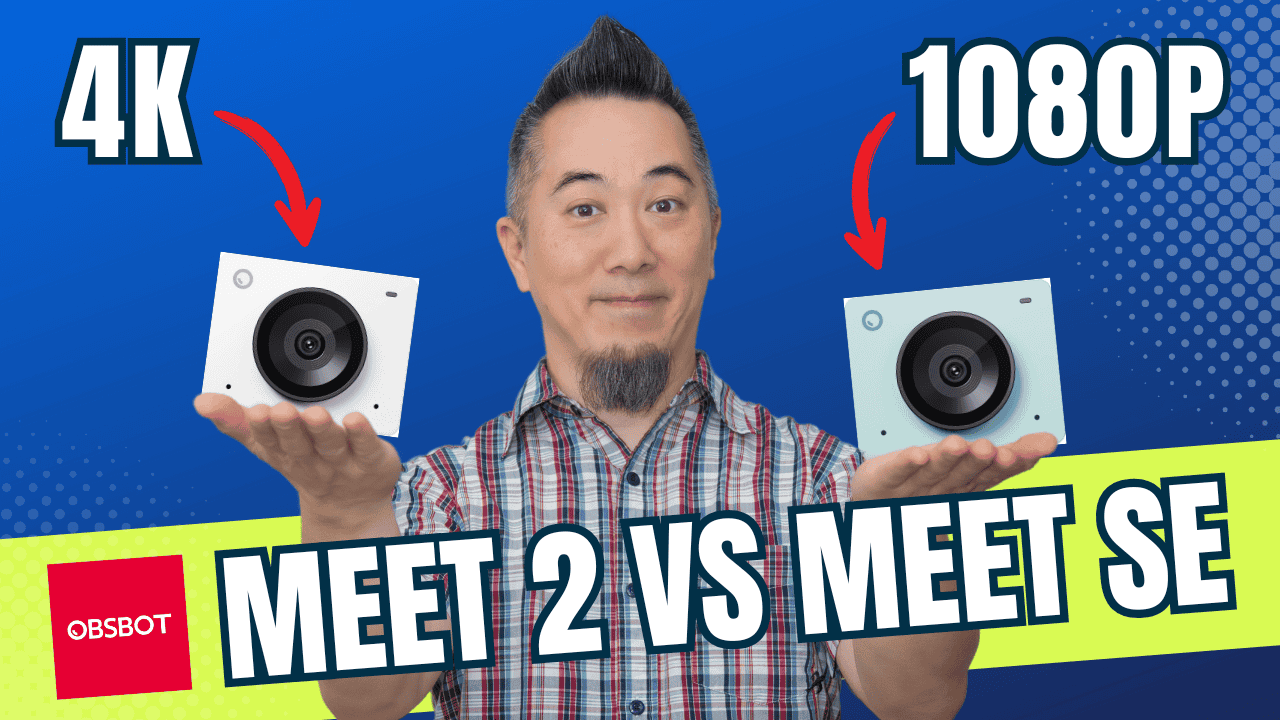
Introducing the Insta360 Link 2 Camera
Next, let’s discuss the Insta360 Link 2 camera. This camera offers sharper visuals compared to the MacBook Pro’s built-in webcam. However, it can sometimes introduce a yellow tint due to differing light sources in the environment.
The camera captures the fluorescent ceiling lights differently than natural sunlight streaming through the window. Adjusting for color temperature becomes crucial to ensure that the video output is visually appealing.
Adjusting Camera Settings
Using the Insta360 Link 2 application, users can manually adjust exposure and color temperature. Setting these parameters to achieve a cooler tone can greatly improve the overall look of the video.
Such adjustments help in achieving a more balanced and professional aesthetic. This is an essential step when preparing for remote recording or live streaming sessions.
Enhancing Lighting with the Elgato Ring Light
Lighting plays a critical role in video quality. The addition of the Elgato Ring Light can dramatically improve how subjects are lit on camera. Initially, the ceiling lighting may suffice, but the ring light provides a more controlled and flattering illumination.
When the ring light is activated, adjustments to exposure and brightness can help mitigate any unwanted color shifts and shadows. It’s essential to fine-tune these settings to achieve the best results.
Final Touches for the Perfect Setup
After making the necessary adjustments, the final output can be much more polished. This includes ensuring proper lighting and sound settings are in place before going live or recording. It’s advisable to go through these checks with remote guests to make sure everything looks and sounds great.
Using Zoom, you can request remote control of your guest’s computer to assist them in making these adjustments. This collaborative approach enhances the overall quality of the broadcast.
Conclusion: The Importance of a Comprehensive Remote Guest Kit
In summary, a well-curated remote guest kit can significantly elevate the quality of your virtual meetings, podcasts, or online classes. By utilizing a combination of high-quality cameras, microphones, and lighting, you can ensure that every session is engaging and professional.
Whether you’re sending out equipment to clients or setting up your own gear, these tips can help you achieve outstanding results. If you want to dive deeper into the specifics of each component of your remote guest kit, be sure to check out additional resources and guides.
With the right tools and adjustments, your remote guests will look and sound like they are in a professional studio, making your interviews and presentations more captivating for your audience.